

Download the ySpace app directly to your Android device. Scan the QR code or tap the button below.
APK • Version 1.0.0 • 92.3 MB
Scan to download on your phone
Downloading on Android?
After the download finishes, open the file and follow the install steps below.
How to install
Follow these simple steps to get started.
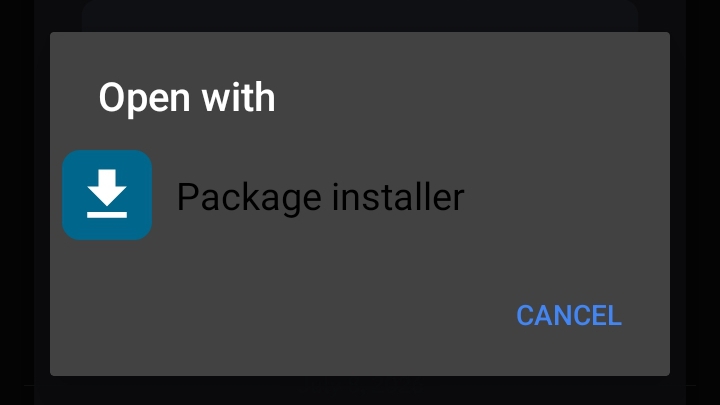
Open the installer
Tap the downloaded file. When prompted, choose Package installer to continue.
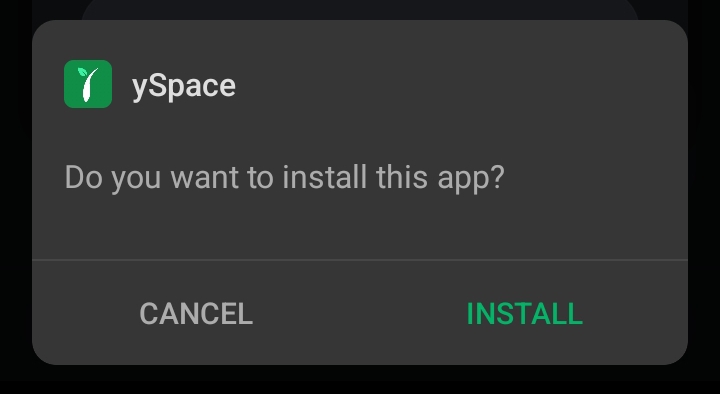
Tap Install
When you see Do you want to install this app?, tap Install.
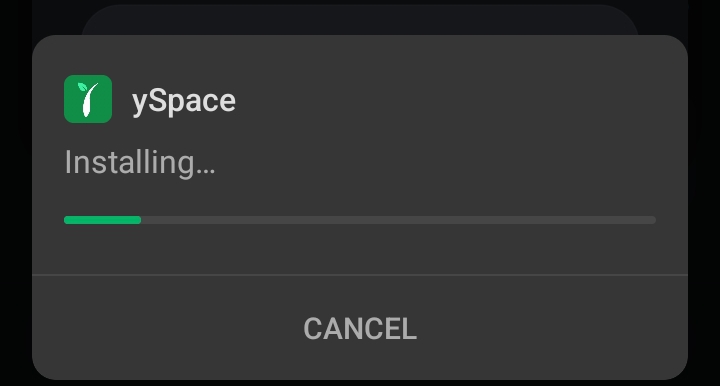
Wait for installation
Wait a moment while ySpace installs on your device.
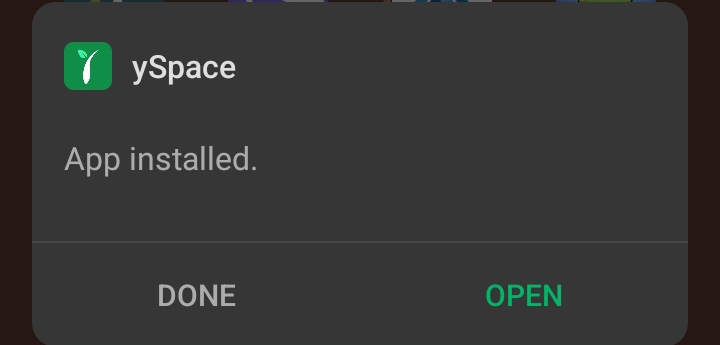
Open ySpace
Once you see App installed, tap Open to launch ySpace.
iOS coming soon
The iOS version of ySpace is currently in development. This section will be updated once it is ready.
Need help?
If you have trouble installing the app, call us or contact your HR team.
09957008712